


When installing Communicator GO you have the opportunity to share you Contacts with the app. If you were unsure at the time or selected not to share your contacts at that time, you’re in the right pace!
- Open the iOS Settings app
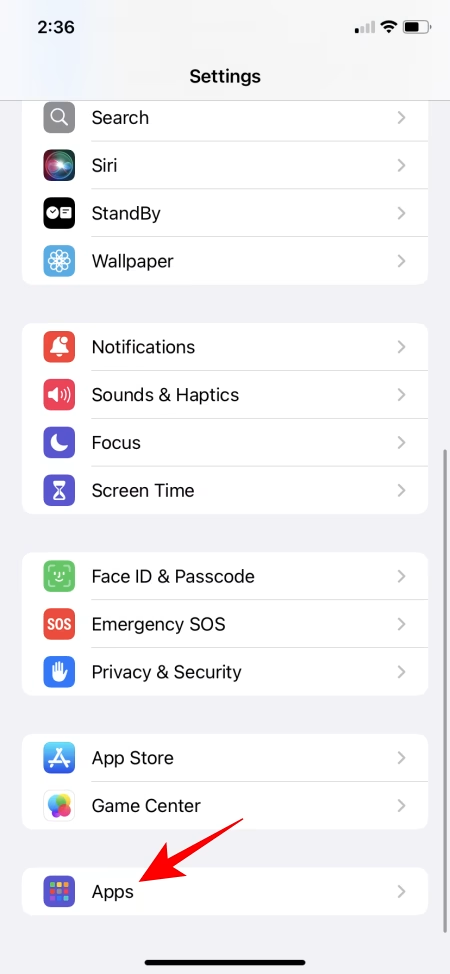
- Go to Apps
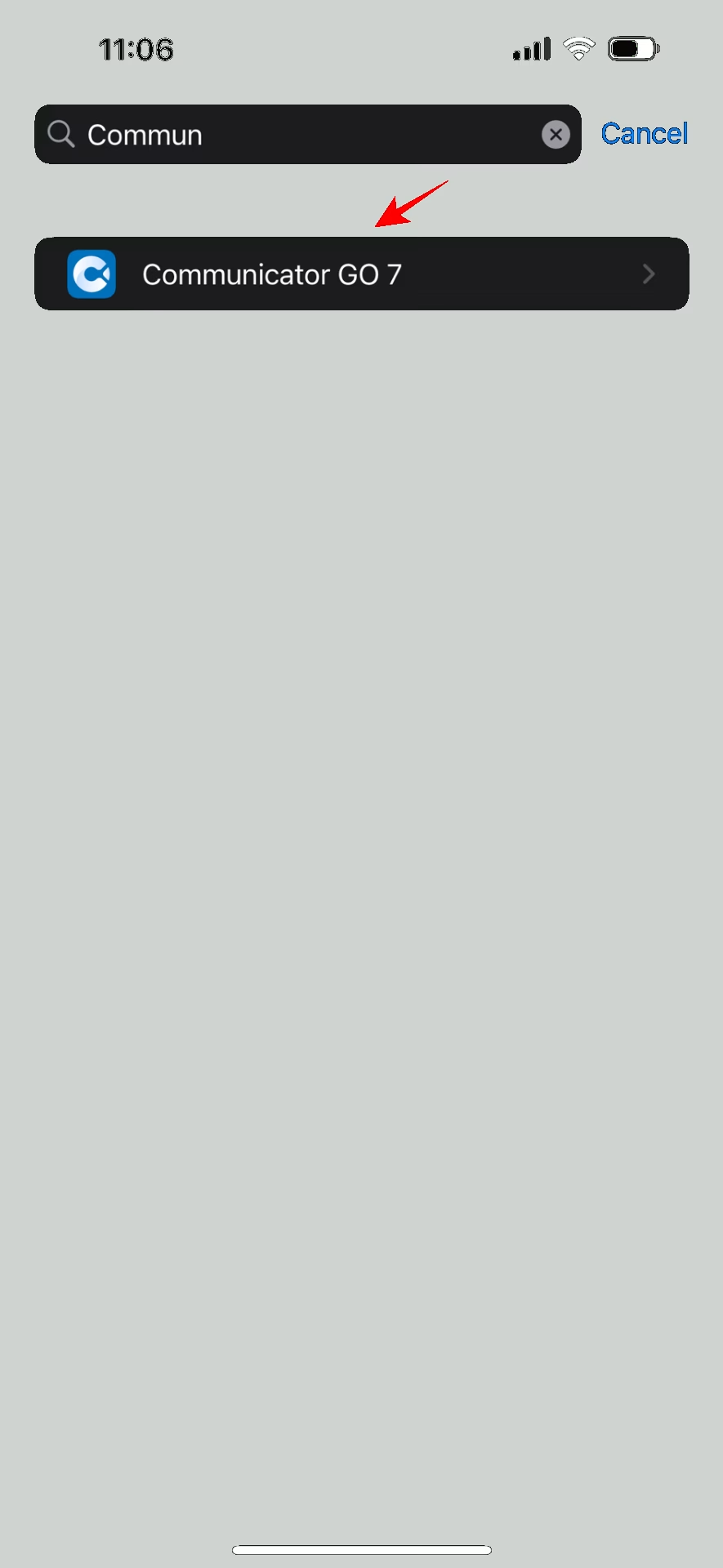
- Search and select Communicator GO
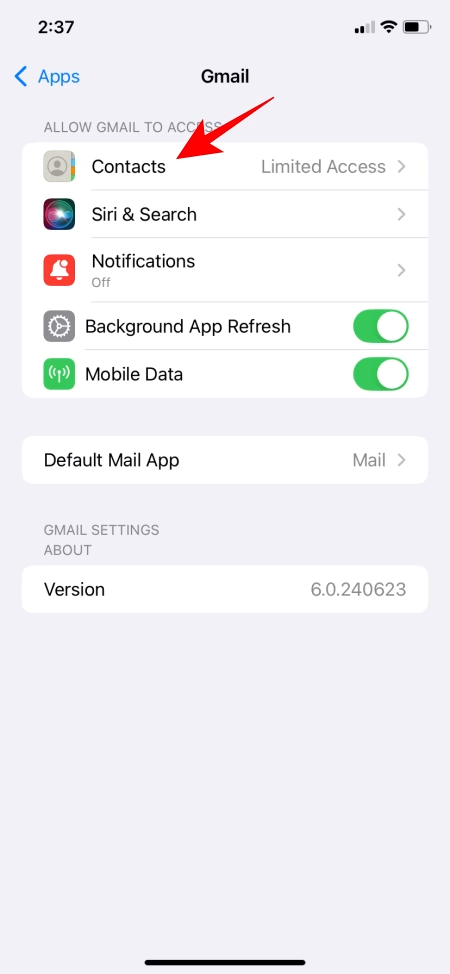
- Tap Contacts
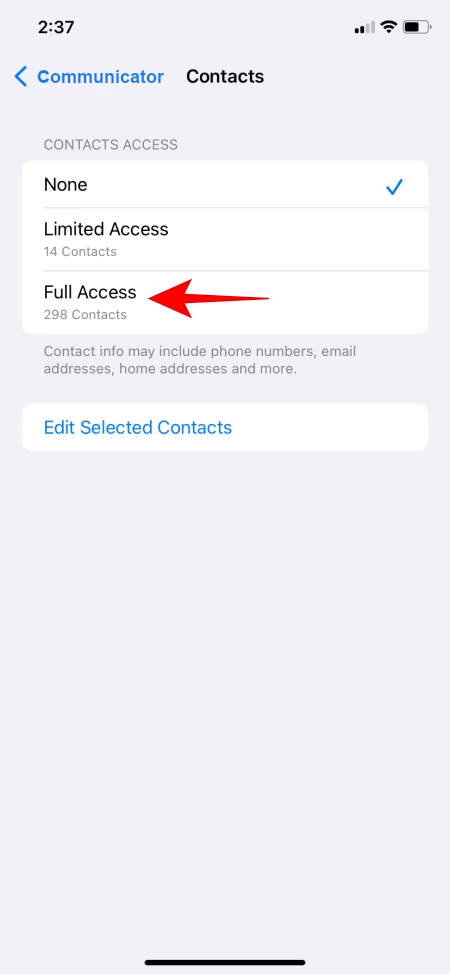
- Select Full Access
Now you can return to Communicator GO and check your Directory for your Contacts.
Note that for this method, the ‘Contacts’ option will appear only for apps that have already asked for contacts access, even if you have denied them access.
Version 01.07012025
Last Updated on July 1, 2025