


Make sure you start from the home page and there are no calls on the telephone.
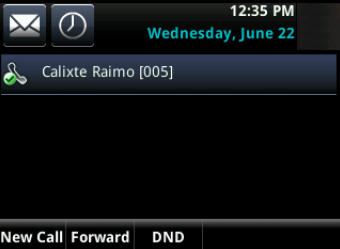
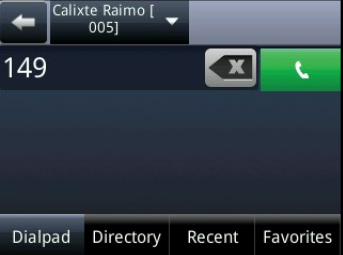
Press key 1, 4, 9 simultaneously and hold them until you see the password page
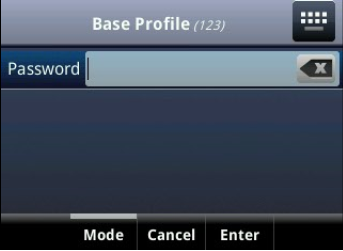
Once prompted for the password enter the password for the telephone. The default password is 456. If the default password does not work please email support@firelinecommunications.com or call support 877-347-3147 for your telephones password.
In the Base Profile select Generic to switch back to SIP
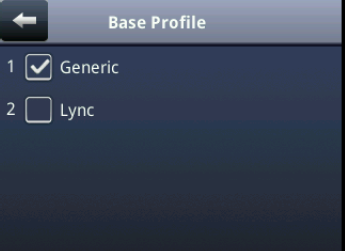
The phone will immediately reboot and return in SIP mode
Version 01.10082020
Last Updated on July 8, 2022