


3-Way Conference Call Using an Analog Telephone
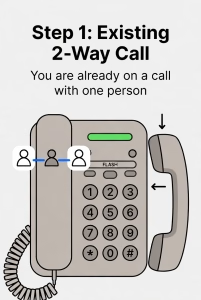
You can use the conference calling feature on your analog telephone to have three people on the same call.
*Some analog phones, mainly multi line analog phones, have Conferencing and other features built into them. Please check your user guide as this procedure only works with basic analog telephones.
Starting a 3-Way Conference
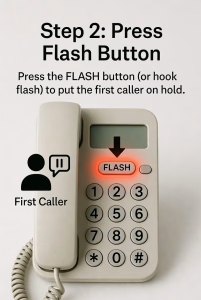
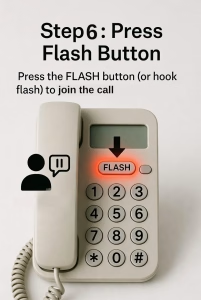
- While you are on a call with the first person, press the FLASH button on your telephone.
- If your phone does not have a FLASH button, use the Hook Flash feature (quickly press and release the switch hook).
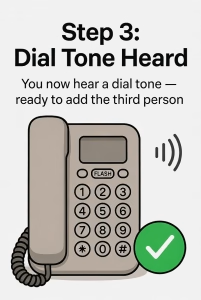
- You will hear a dial tone.
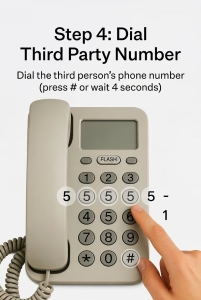
- Dial the phone number of the third person you want to add to the call.
- Press # after entering the number, or wait approximately 4 seconds for the call to be placed.
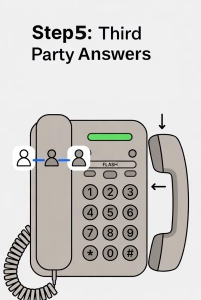
- When the third person answers, press FLASH again.
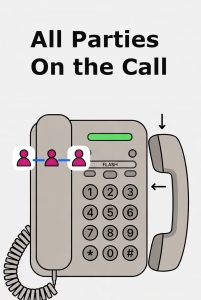
- All three parties are now connected in a conference call.
If the Third Person Does Not Answer
- Press FLASH to return to your original caller.
- The third party call will be canceled, and you can continue your conversation with the first caller.
During the Conference Call
- If you press FLASH while the conference is active, the third participant will be disconnected, and you will remain connected with the original caller.
Ending the Conference Call
When you hang up, the conference call will end for all participants.
Last Updated on June 4, 2026