


Hard Reset
In order to reset a Yealink DECT Base to the Default Values using Hard Reset, please perform the following steps:
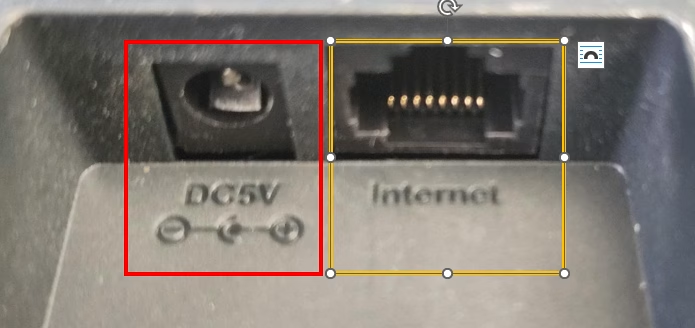
1. Unplug the power supply or if there is no power supply unplug the Ethernet cable.
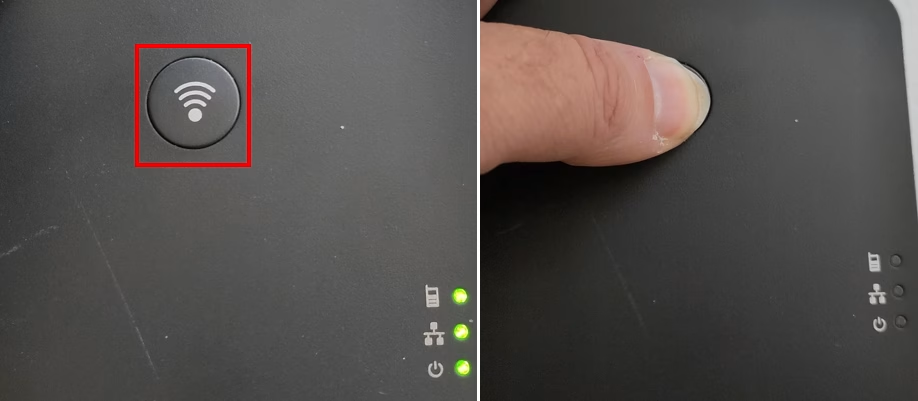
2. Press the Paging Button, keep it pressed until 3 lights are all lit.
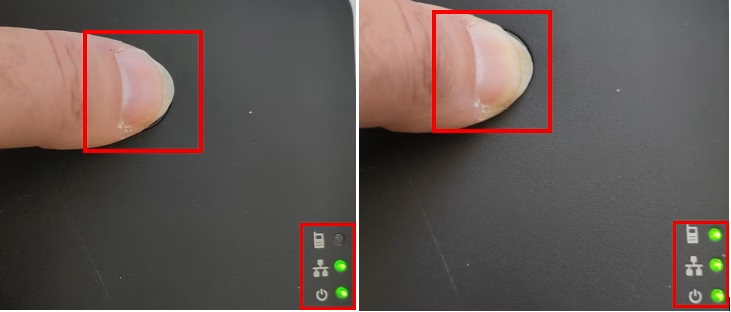
4. Once all 3 lights are lit, release the Paging Button.
5. Restart the Base, by unplugging the power supply or power over ethernet cable.
6. Once Base comes back online you are ready to pair the handsets.
Last Updated on September 5, 2025